ealistings.co.uk is the Evangelical Alliance’s online hub for advertisers and members of the Evangelical Alliance. If you are running a Christian event, organising a prayer initiative, recruiting staff or volunteers, looking to publicise your resources or services, or even wanting to sell a house – ealistings.co.uk is the place to advertise.
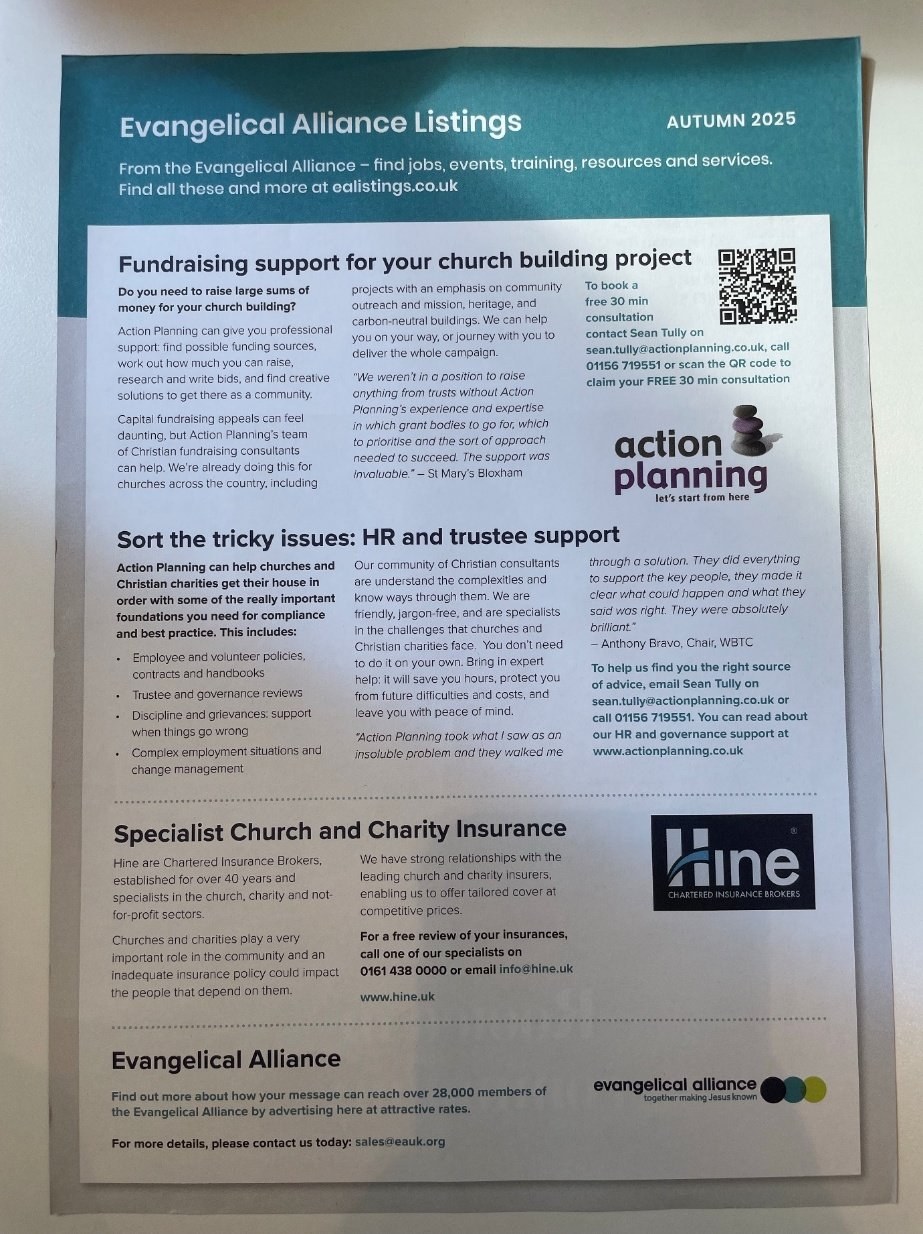
Evangelical Alliance Listings also comes in a print version mailed out quarterly with idea magazine to members of the Evangelical Alliance.
Questions?
If you have any questions about the online listings, please email us at [email protected].
If you have any questions about the printed listings, please email us at [email protected].
Online listings
- Standard listing: £89 + VAT. Includes one month listing, logo and inclusion in monthly email (first week of the month).
- Enhanced listing: £119 + VAT. Includes standard listing plus premium positioning on website and in emails.
- Additional months: £50 + VAT.
Evangelical Alliance members get a 50% discount on their first month.
If you have any questions about the online listings, please email us at [email protected].
Posting online at a glance
-
Create an account
Register or log in at ealistings.co.uk.
-
Post a listing
Add your listing details and information.
-
Pay
Pay for your listing.
-
Get approved
Approval is normally the next working day.
Create an account
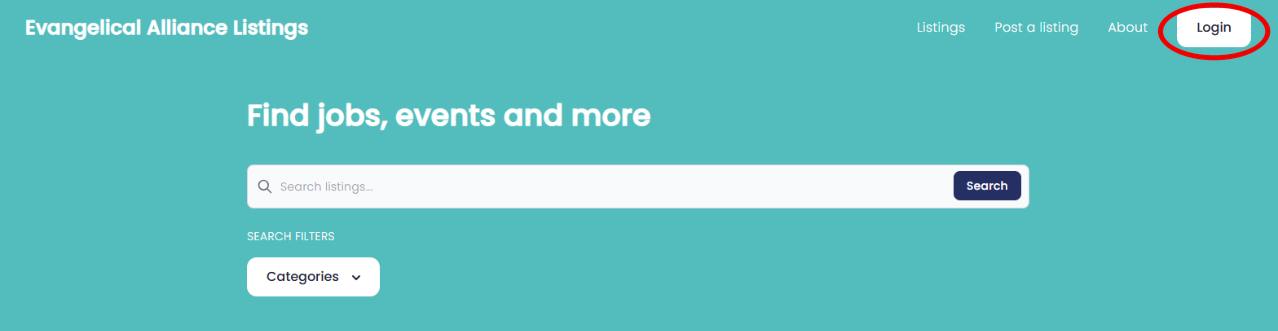
Go to ealistings.co.uk and click on ‘Login’:
Create a new account if this is your first time using Evangelical Alliance Listings. Otherwise log in with your existing account.
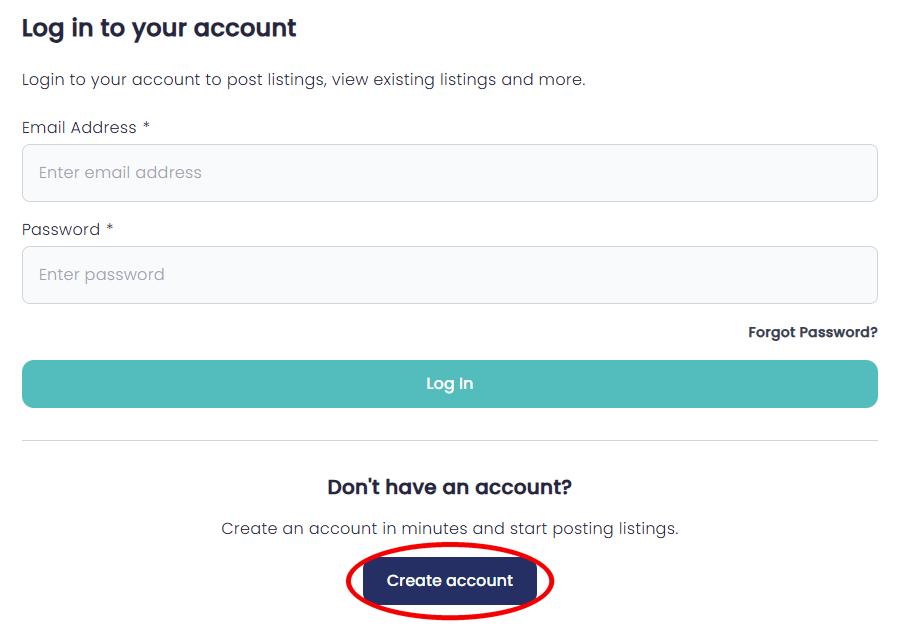
Remember
This is a different account from your member account on the eauk.org website.
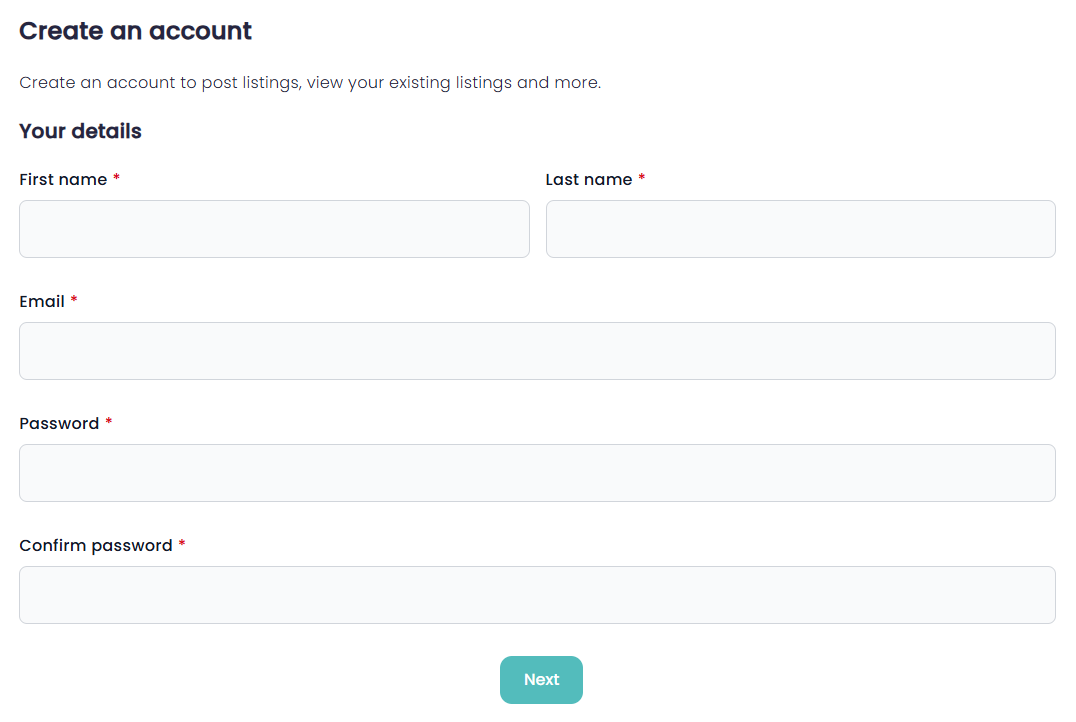
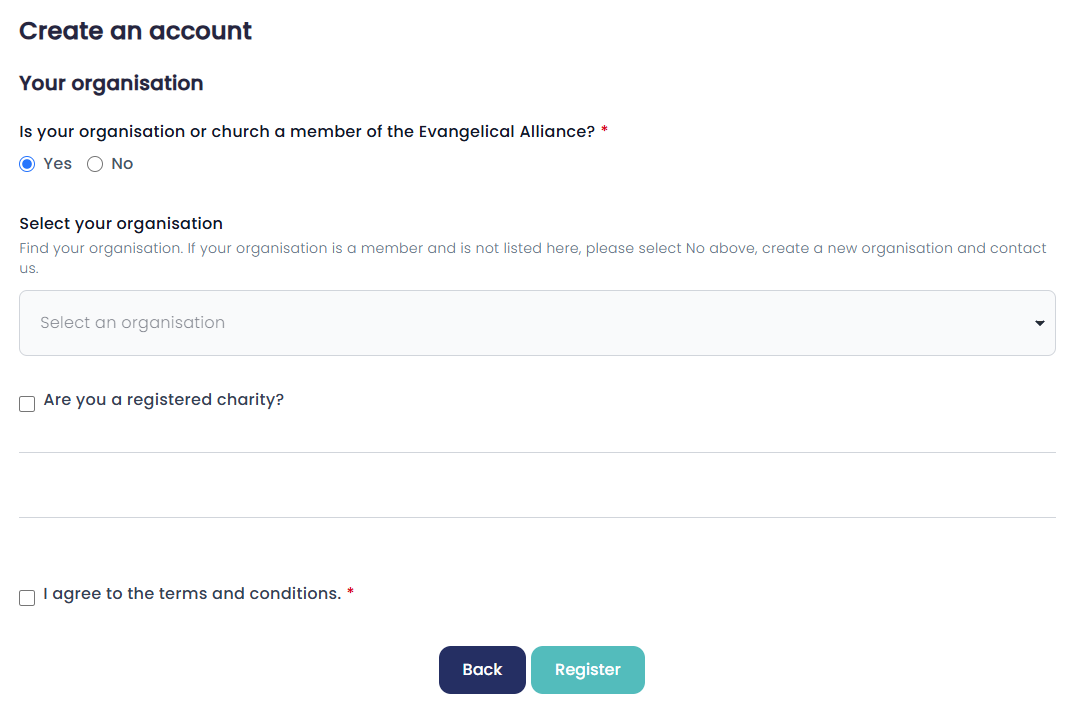
Fill in your details:
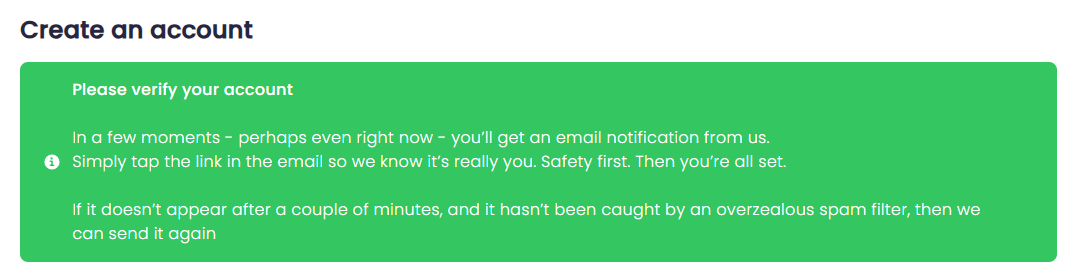
Verify your account in your email.
Tip
Check your spam folder if the email doesn’t show up.
Post a listing
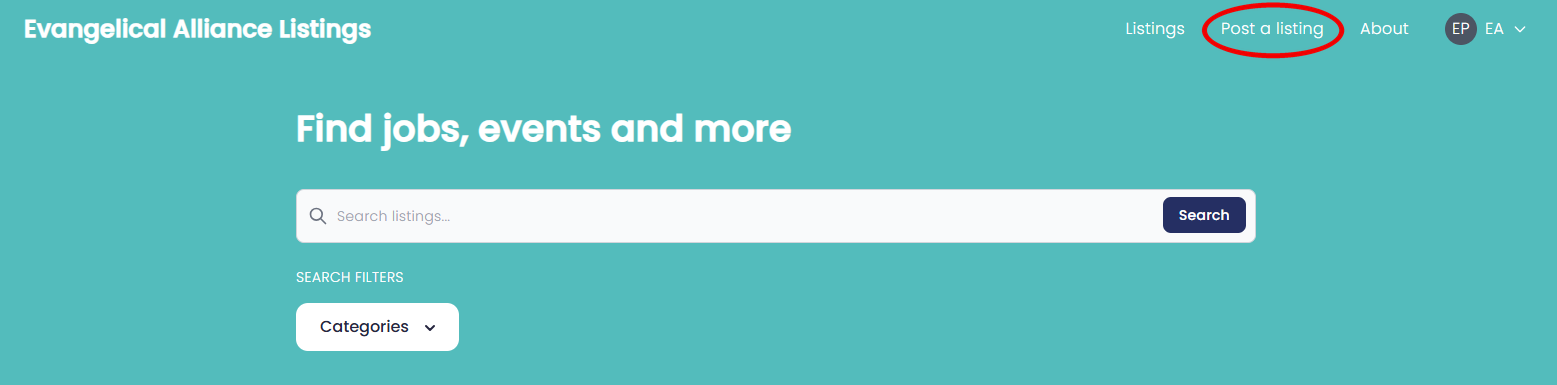
Go to ‘Post a listing’ on ealistings.co.uk.
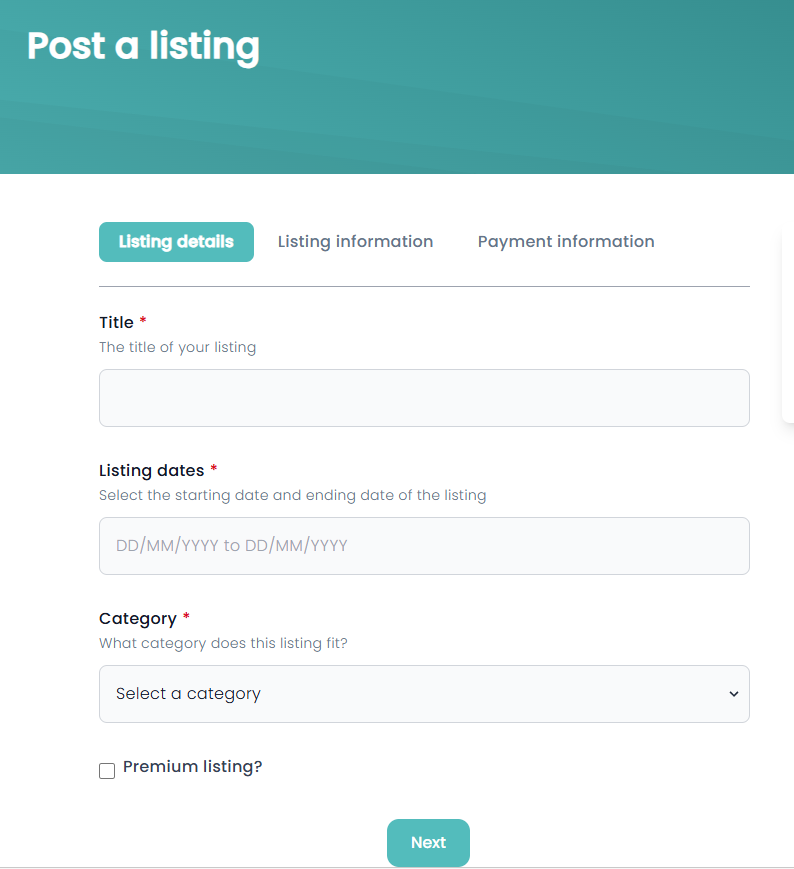
Fill in the listing details:
Fill in the listing information:
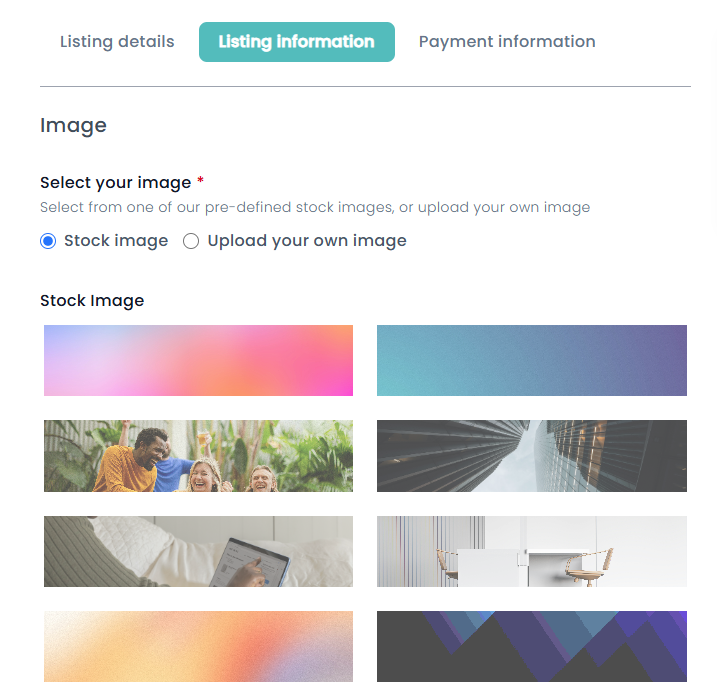
If you want to add your own image, you can click inside the square to browse your computer:
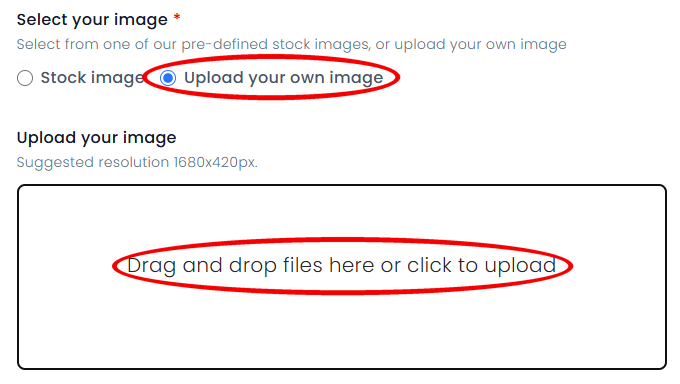
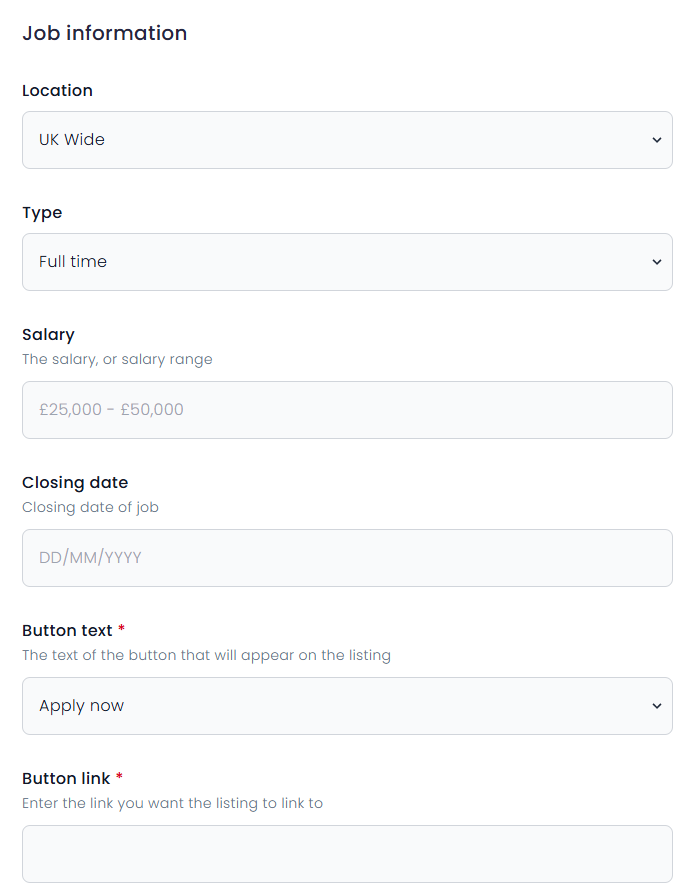
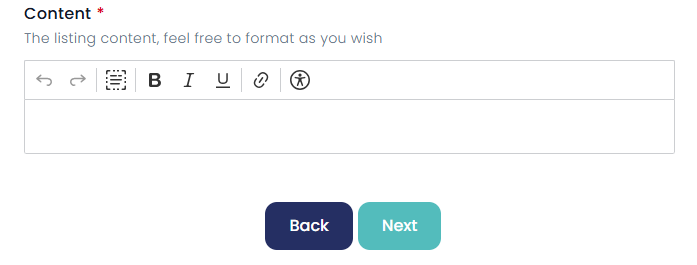
Pay for the listing:
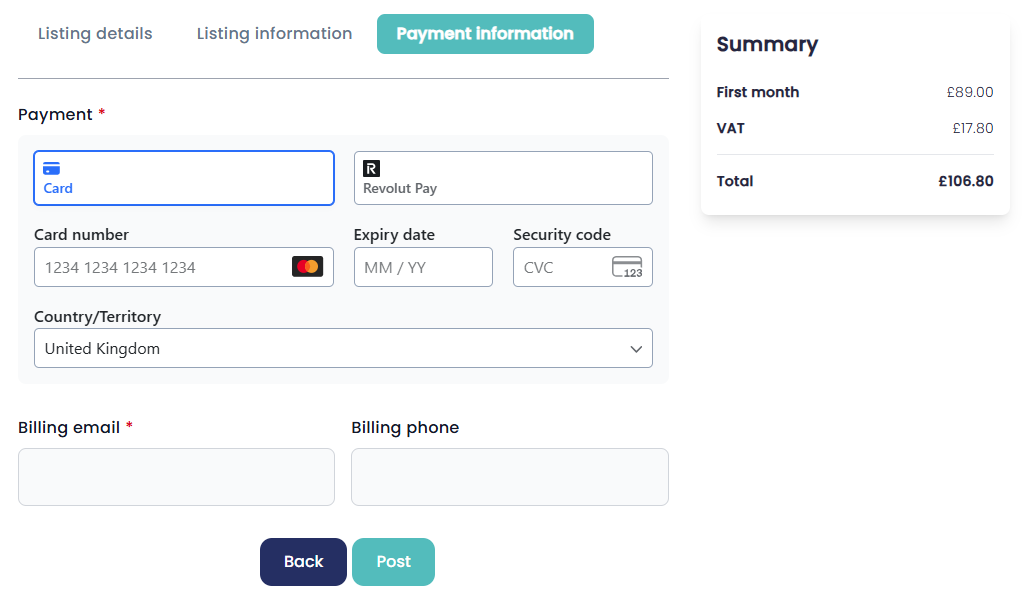
Wait for it to be approved. This is normally the next working day.
Good to know
Your listing will be online on the website on its starting date.
Edit your listing or download your invoice
Go to ealistings.co.uk and log in to your account.
Remember
This is your Evangelical Alliance Listings account, not your membership account.
Go to what you want to see or edit:
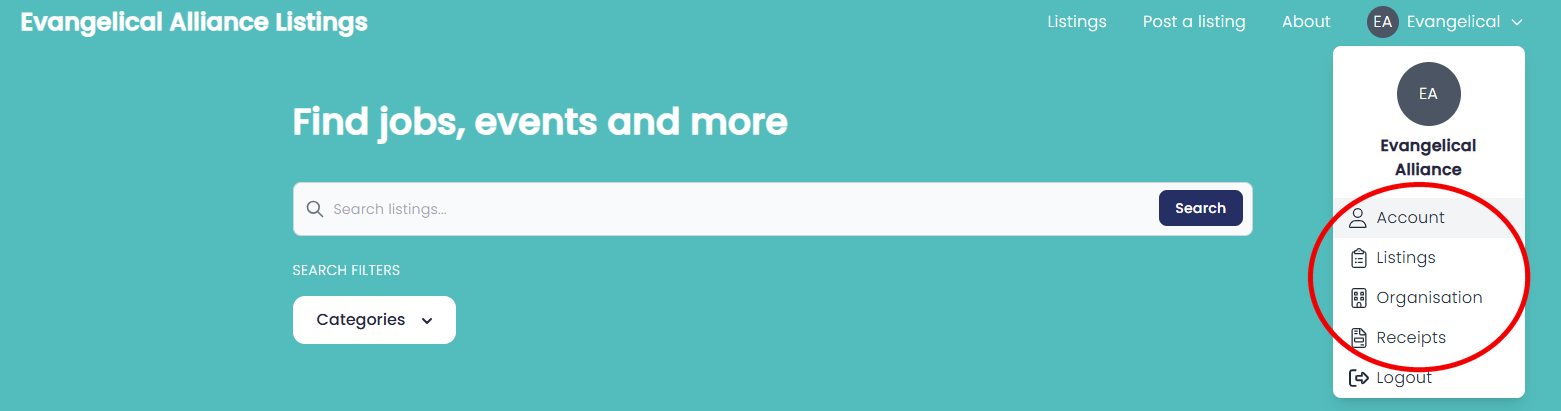
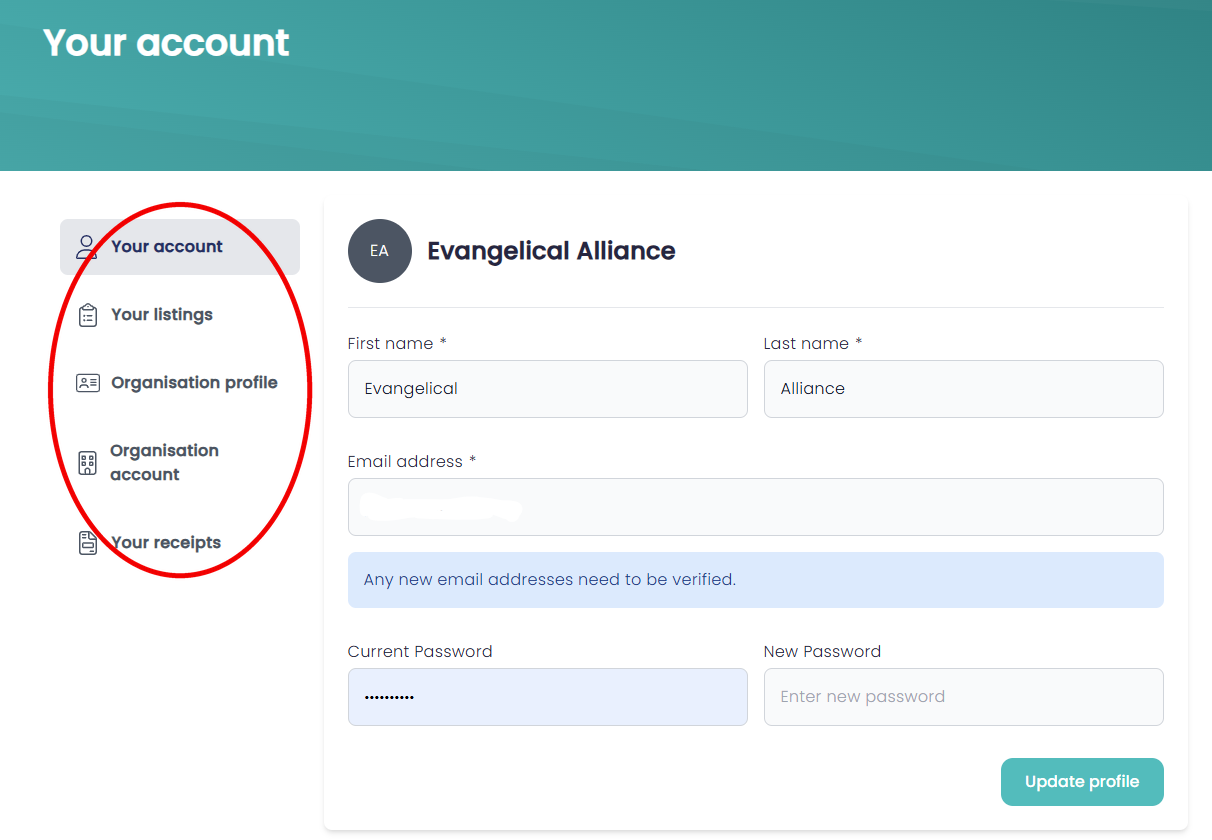
Printed listings
- Standard listing: £250 + VAT. Up to 300 words including graphic.
- Includes 24,000 copies distributed with idea magazine quarterly, plus up to 3 months online.
- Includes a monthly distribution to 3,800 people via the Evangelical Alliance Listings update email – with a 45% open rate.
Please supply your graphic as a JPEG or TIFF at a minimum of 300dpi. Adverts will be set in house style.
If you have any questions about the printed listings, please email us at [email protected].
Example of an insert in idea magazine